Integrate Alert Source Through Generic Webhook
Last updated: April 2, 2025
Overview
Rootly integrates with various observability tools such as Datadog, Grafana, and Sentry via Generic Webhooks. Any observability tool capable of generating webhook events can act as a Rootly alert source!
Key features of Rootly's Generic Webhooks include:
Flexible alert ingestion without strict API contracts
Support for paging services, teams, escalation policies, or users
Automatic resolution of alerts
Automated incident creation
Installation
Getting Started
From the Rootly web UI, navigate to the Alert Sources page and select Add Alert Source.
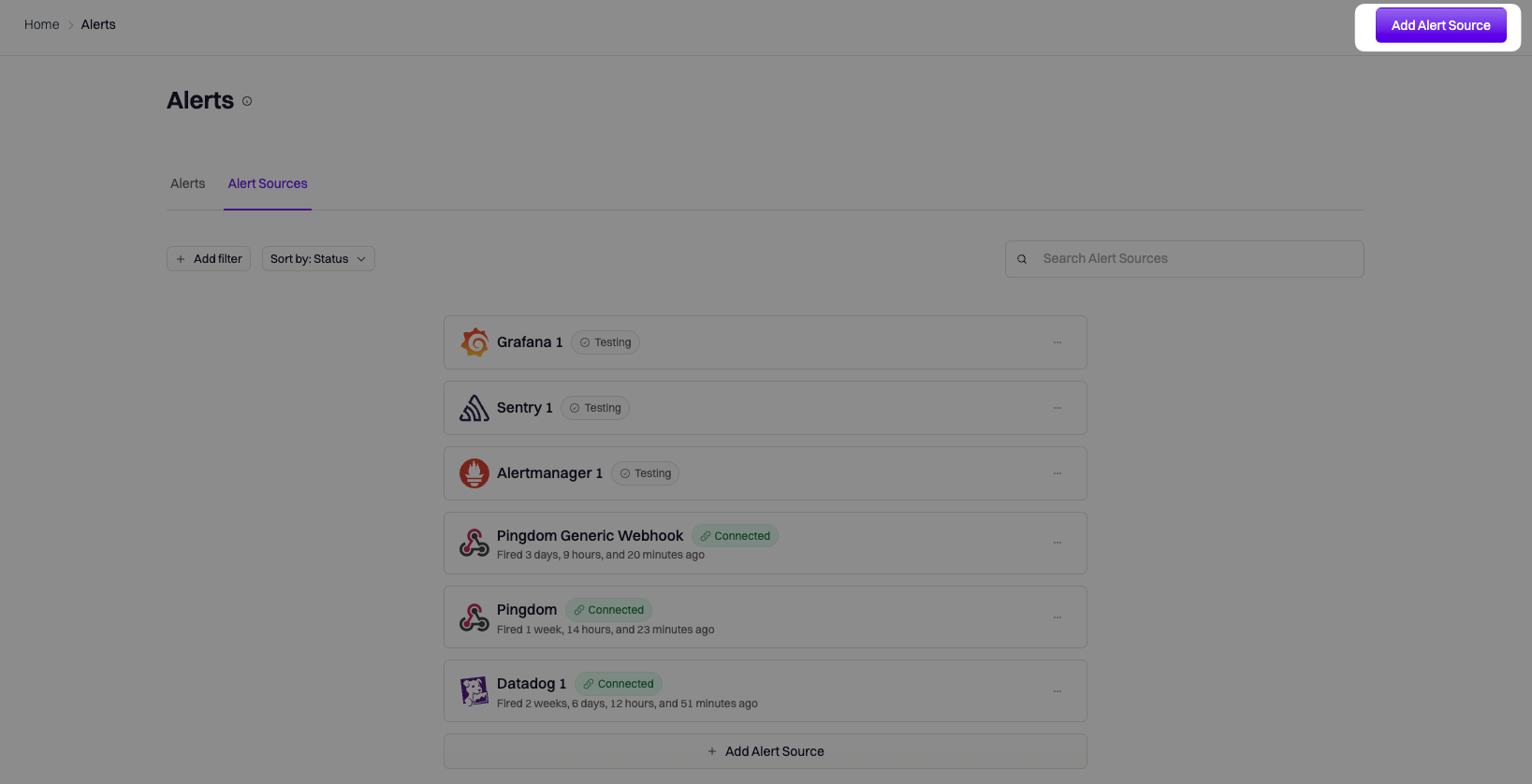
Select the Generic Webhook option and provide a descriptive name for your alert source, then click Create.

Webhook Parameters
All webhooks require these three parameters:
URL
Secret
Notification Target
Parameters are available in your Rootly account dashboard.
URL
URL specifies the destination for the alert event. The generic webhook type uses the following URL:
https://webhooks.rootly.com/webhooks/incoming/generic_webhooksSecret
Each alert requires a secret for authentication and to identify the webhook. The secret is auto-generated and unique for each webhook.
Notification Target
The notification target tells Rootly which entity (e.g., User, Team, Service) to page, consisting of a type and id pair.
type: Specifies the resource type (e.g., User, Team).id: Identifies the specific resource.
Webhook Configuration
Start by locating the webhook page in your monitoring platform. Configuration options include:
URL Only
Use this simple method where all parameters are part of the URL:
https://webhooks.rootly.com/webhooks/incoming/generic_webhooks/notify/<type>/<id>?secret=<secret>URL + Header
Include the URL and secret in the header:
Bearer <secret>URL + Header + Payload
For tools allowing customized payloads, include type and id in the payload:
"rootly": {
    "notification_target": {
        "type": "<type>",
        "id": "<id>"
    }
}
Testing & Validation
Once setup is complete, test the webhook by triggering a test alert. Verify results on the Alert Sources page.